
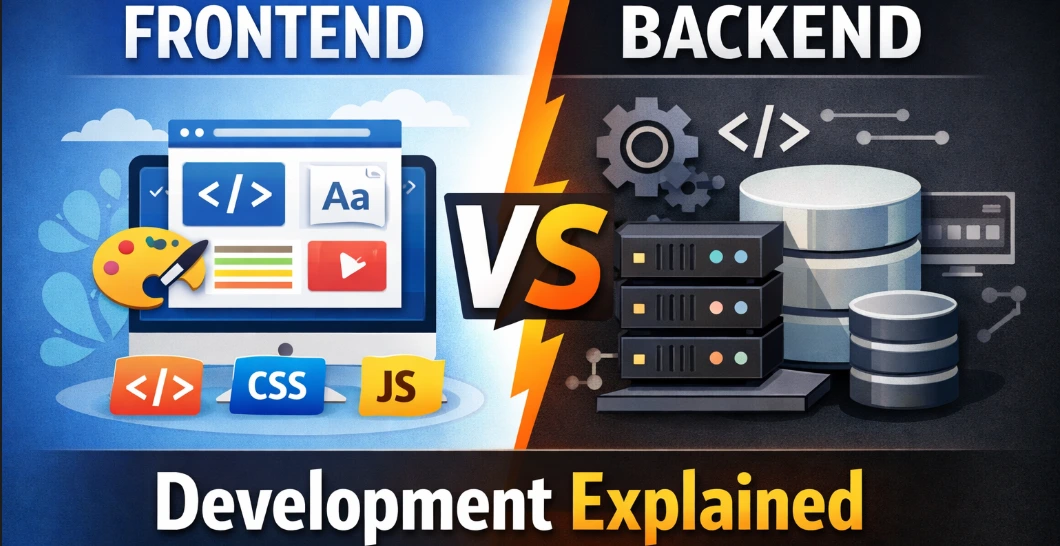
Behind the Screens: Frontend vs. Backend for Total Newbies
Ever hit "Buy" on Amazon or smash that like button on Instagram and think, whoa, how does that even work? It seems like pure magic, right? But nah, there's this whole setup humming away in the background, making it all happen without a hitch.
Web dev is basically crafting that setup. It gets chopped into two big chunks mostly: frontend and backend. If you're just starting out, it's easy to mix them up. I'll lay it out super straightforward.
Part 1: Frontend—What You Actually See
This is the stuff right in front of you, the client-side bit. Anything you click, scroll, or stare at? Some frontend dev made that. They focus on it looking sharp and running smooth whether you're on your phone, laptop, whatever.
Their main tools are the big three—picture a house.
HTML: The bones. Walls, doors, that kinda thing. It lays out the content, like "hey, this is a heading" or "here's a button."
CSS: The style. Colors, fonts, how stuff's spaced out. Turns the plain structure into something that doesn't suck visually.
JavaScript: The brains. Makes buttons do stuff, like pop-ups or live maps. Without it, sites would be boring statues.
These days, folks grab frameworks too—React, Vue, Angular. Like upgrading from a rusty hammer to a power drill. Way quicker for big jobs.
Part 2: Backend—The Hidden Engine
Server-side, all the behind-the-scenes action. You don't see it, but it runs the show.
Say you sign up or upload a pic—the frontend shoots that info over. Backend grabs it, sorts or saves it, then fires back a response. No backend? Your site's just a dumb picture that forgets everything.
Key pieces:
Servers: Beefy machines always on, waiting for your requests.
Databases: Giant filing systems for logins, posts, whatever. Think MySQL, PostgreSQL, MongoDB.
Languages: Python, Java, PHP, Ruby, or Node.js (JS but for servers). They handle the rules, like checking passwords.
Part 3: Restaurant Breakdown (Easier Than It Sounds)
Still fuzzy? Think high-end diner.
Frontend's the dining area. Comfy chairs, clear menus, good vibes. You (user) tell the waiter (your browser or API) what you want.
Backend's the kitchen—out of sight. Chefs (code) chop, cook, pull from the pantry (database), and send the meal back via waiter.
Order hits the kitchen, gets made, returns to your table. Boom, full circle.
Part 4: Quick Side-by-Side
| Feature | Frontend | Backend |
|---|---|---|
| What? | User-facing visuals and clicks | Hidden logic + data handling |
| Runs where? | Your browser | Remote servers/cloud |
| Main job | Looks good, feels smooth | Secure, fast, smart data work |
| Languages | HTML, CSS, JS | Python, Java, PHP, SQL etc. |
| Visible? | Yup | Nope, just the outcomes |
Part 5: Picking Your Path
Depends on you. Frontend if you dig design, love seeing changes pop up instantly, and get how users tick. Needs creativity, layout sense.
Backend if puzzles and data wrangling excite you more than pretty colors. Logical mindset, security know-how.
Part 6: Full-Stack Folks
These are the all-rounders who juggle both worlds. They build the data side, code the logic, then tweak the buttons. Tough to master everything, but killer for seeing how apps really fit together end-to-end.
Wrapping up, you need both—like a slick car body with no motor is pointless, and vice versa. Frontend keeps it pretty and easy; backend makes it actually do stuff. Best move? Dive in. Whip up a basic page, add some save-data magic. You'll know quick which half clicks for you.